
Monthly Budget Reset: A Household Checklist for Staying on Track

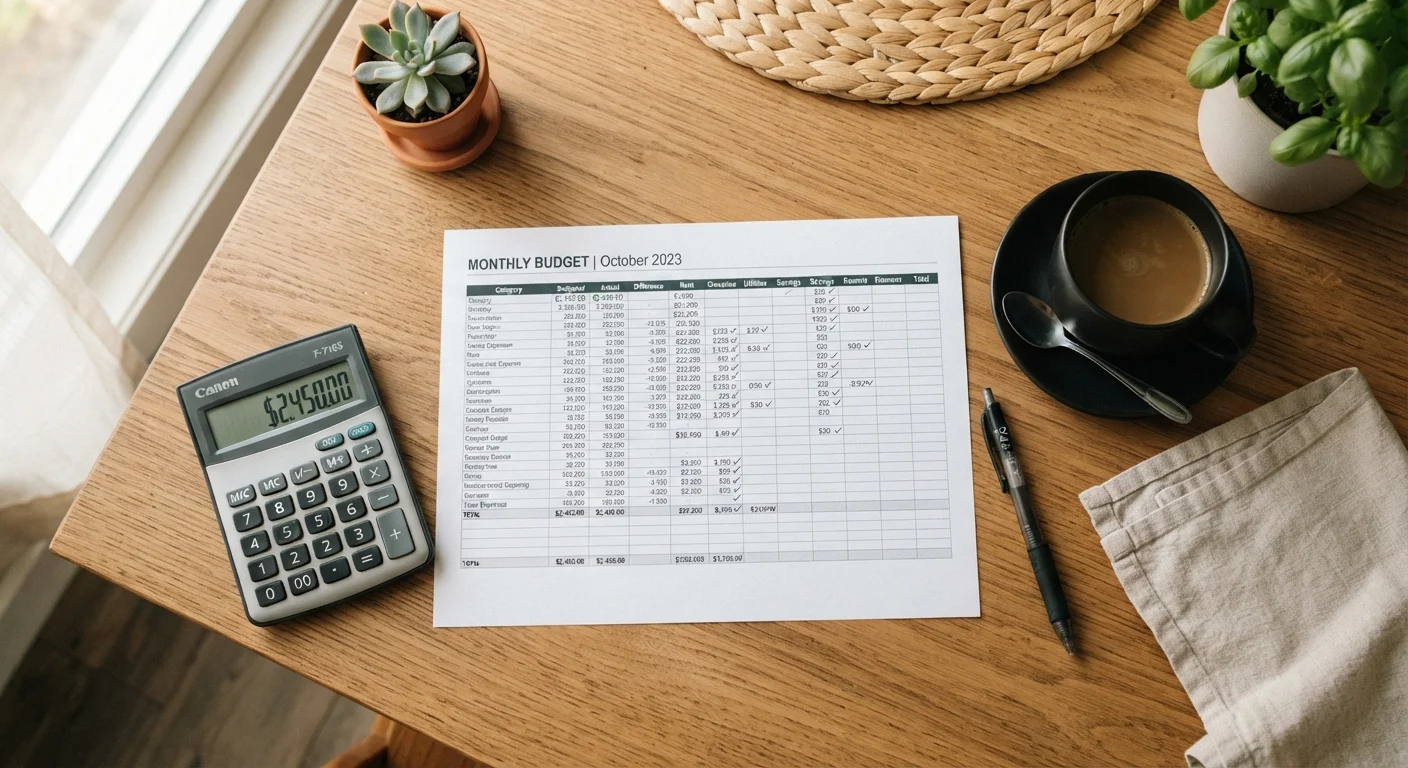
Photo: nativeinfoline.com editorial
Key Takeaways
- A monthly budget review catches overspending early before small gaps become large deficits.
- Reviewing actual income and expenses against your plan takes priority over everything else.
- Irregular expenses like annual fees and school costs need a dedicated category each month.
- Your emergency fund and debt payments deserve a line in every monthly reset.
- The reset works best when done on the same date each month to build a consistent habit.
Why a monthly reset matters
Most household budgets do not fail because families spend recklessly. They drift because life changes faster than the plan does. A child joins an after-school activity, a utility bill jumps, or a medical copay appears that was not in last month's numbers. Without a structured review, those shifts compound quietly.
A monthly reset is a short, structured session where you compare what you planned to spend against what you actually spent, then adjust the coming month's plan to match real life. It is not a financial audit. It is a calibration.
If you are newer to this process, the foundational steps for building a family budget are worth reading first. If you already have a system in place, this checklist helps you maintain it month to month.
Gather your numbers
Review last month's spending
Set next month's plan
Home and seasonal items
Final check before closing the reset
Tools you will need
You do not need specialized software to complete this reset. A spreadsheet or even paper works fine. What matters is that you have access to your account statements, pay stubs, and last month's budget plan before you sit down.
Bank and credit card statements
Provides the actual spending data needed to compare against your budget plan.
Spreadsheet or budget worksheet
Organizes income and spending categories so you can compare planned versus actual amounts.
Pay stubs or income records
Confirms exactly how much take-home income is available to allocate for the next month.
List of annual and irregular expenses
Tracks non-monthly costs so you can prorate them into each month's plan.
Budgeting app (any free option)
Automates transaction categorization if you prefer not to sort statements manually.
If you are deciding between physical and digital tracking methods, the comparison of cash envelopes and digital spending trackers covers the tradeoffs clearly.
Common pitfalls during a budget reset
The reset session surfaces problems, but only if you look honestly at the numbers. Two patterns tend to derail the process.
First, families often skip irregular expenses because they did not occur last month. Annual subscriptions, car registration, back-to-school shopping, and seasonal home costs are real budget items. Build a simple list of every non-monthly expense you know is coming in the next 12 months and divide the total by 12. That monthly figure belongs in your reset every time.
Second, grocery and food spending is the category most likely to be underestimated. If your food budget consistently runs short by mid-month, the reasons grocery budgets break down mid-week can help you set a more realistic number.
Avoid resetting from memory
For families building savings alongside debt repayment, the framework for growing an emergency fund on a tight income gives a practical way to do both without sacrificing either.
The content provided on our blog site traverses numerous categories, offering readers valuable and practical information. Readers can use the editorial team’s research and data to gain more insights into their topics of interest. However, they are requested not to treat the articles as conclusive. The website team cannot be held responsible for differences in data or inaccuracies found across other platforms. Please also note that the site might also miss out on various schemes and offers available that the readers may find more beneficial than the ones we cover.